How to Build a Multi-Seller E-commerce Marketplace in India (2026)
Website + Flutter app + admin/seller software — with Razorpay payments and Delhivery shipping.

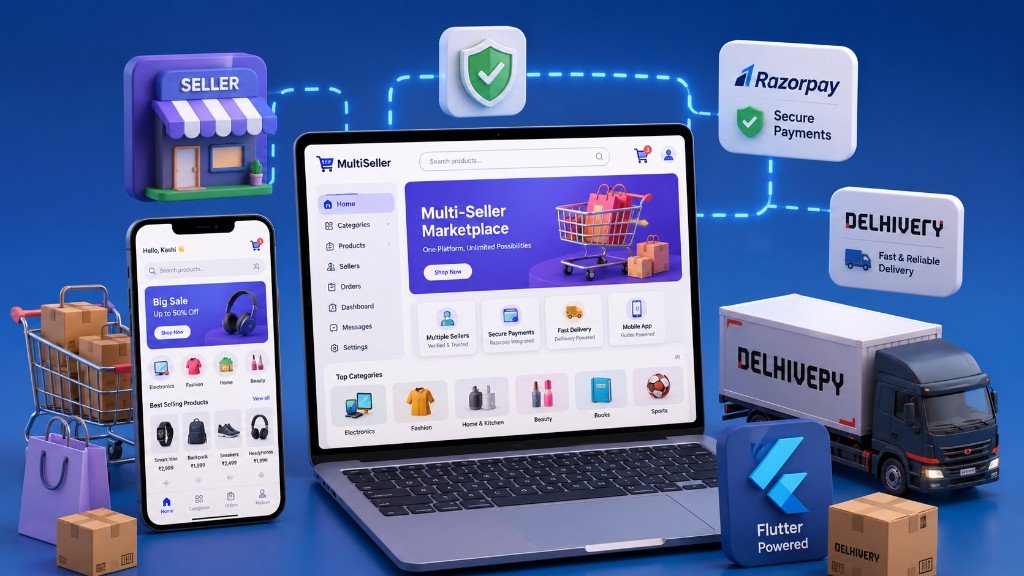
A multi-seller e-commerce marketplace is not “just a website with more products.” It is a product platform: customers shop, sellers sell, and your admin team controls catalog quality, commissions, payments and delivery. In India, that usually means a strong website, optional Flutter shopping app, solid custom software (admin + seller panels), Razorpay for money, and a courier API like Delhivery for shipping.
This guide explains how to plan and build that stack in 2026 — based on real marketplace delivery patterns we use at Web Developer Kashi, including projects like DreambyLens (website + Flutter app + admin/seller + Razorpay + Delhivery).
Related: Flutter eCommerce app guide · Fast Razorpay checkout · Mobile app services · Website development
1. What “multi-seller marketplace” really means
Single-store e-commerce = one brand owns all inventory. Marketplace = many sellers list under one platform brand.
- Customers browse one catalog, one cart, one checkout
- Sellers manage products, stock, orders and earnings
- Admin approves sellers/products, sets commission, monitors disputes and shipping
- Platform owns payments, policies, support and brand trust
If you skip seller workflows and only “add products for vendors manually,” you do not have a marketplace — you have a catalog with unpaid operations debt.
2. The complete solution stack (website + app + software)
A serious marketplace usually needs four surfaces:
| Surface | Job | Typical tech |
|---|---|---|
| Customer website | Discovery, PDP, cart, checkout, tracking | Laravel Blade / Livewire / Vue storefront |
| Flutter mobile app | Repeat purchases, photo upload, push updates | Flutter + REST API + Play Store / App Store |
| Admin panel | Approvals, orders, coupons, commission, shipping | Filament / custom Laravel admin |
| Seller panel | Products, fulfilment, earnings, production uploads | Filament seller workspace |
Golden rule: one backend API. Website and app must not become two separate stores with different prices and order logic.
3. Website development — the customer storefront
Your website is still the SEO and trust engine. Google brings new shoppers; the site must convert them fast on mobile.
Must-have website modules:
- Categories, banners, featured products, search
- Seller-aware product pages (or unified brand PDP)
- Cart with coupons, GST-ready invoice data
- Checkout with address + PIN validation
- Order history, tracking and support contact
- Policy pages: shipping, returns, privacy, terms
For custom products (frames, prints, gifts), add image slots, text fields and dynamic pricing. That is where template shop themes usually break — and custom website development becomes necessary.
4. Mobile app development — when Flutter earns its keep
A Flutter shopping app is worth it when customers:
- Reorder often (gifts, décor, prints)
- Need easy photo upload from the phone gallery
- Want push notifications for order / sample approval
- Prefer app checkout over a mobile browser
A strong marketplace app usually includes:
- Catalog + PDP with options (size, material, frame)
- Remote cart synced with the same API as website
- Address book + PIN-aware checkout
- Razorpay online + COD flows
- Order tracking and sample preview approve/remark
- Play Store policy compliance (Photo Picker, permissions)
See our mobile application services and the live Flutter marketplace example on DreambyLens (also on Google Play).
5. Custom software — admin + seller panels
This is the heart of a marketplace. Without it, operations drown in WhatsApp screenshots and Excel sheets.
Admin panel should handle
- Seller registration and KYC-style approval
- Product / video approval before publish
- Commission rules and settlement views
- Order pipelines (pending payment, production, ready to ship, delivered)
- Coupons, banners, categories, content pages
- Dispute / rejection history for production samples
Seller panel should handle
- Product create/edit and media upload
- Seller-scoped orders only
- Production photo upload for custom items
- Earnings / payout visibility
- Basic shipping status updates where allowed
Laravel + Filament is a proven stack in India for shipping these panels quickly without building every CRUD screen from zero. That is core custom software development.
6. Razorpay — payments that match Indian buyers
Marketplace payments are harder than single-store checkout because money, refunds and seller payouts must stay consistent.
| Payment mode | Why it matters |
|---|---|
| Prepaid (Razorpay) | UPI/cards/wallets — lower COD risk, faster confirmation |
| Cash on Delivery | Still common; needs PIN serviceability checks |
| COD advance + balance | Useful for custom products — small online advance, rest on delivery |
| Webhooks + signature verify | Prevents fake “paid” orders if browser closes mid-payment |
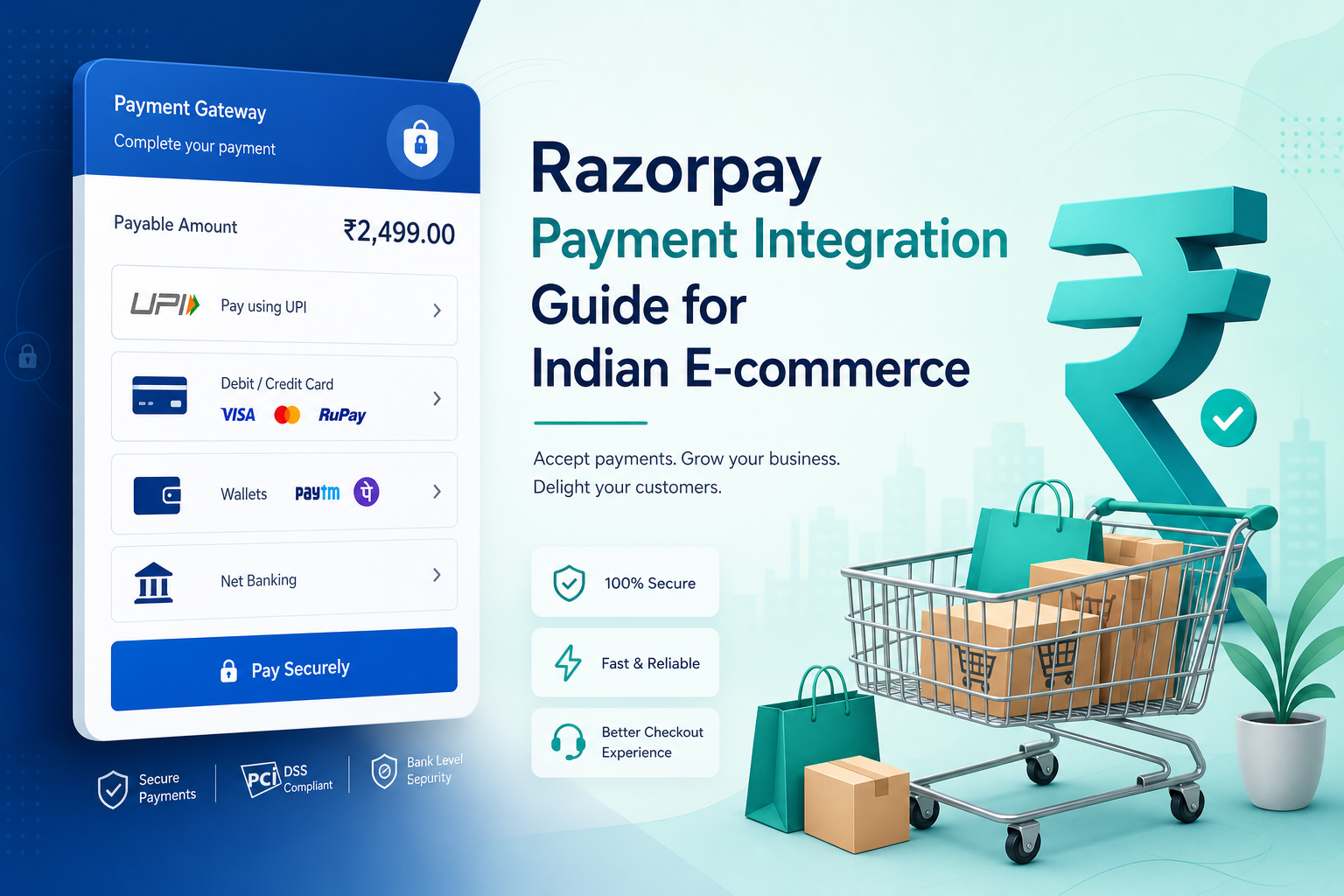
Also plan GST invoices, refunds, failed payment recovery and coupon stacking rules before go-live. Deep dive: Razorpay integration guide and fast checkout tips.
7. Delhivery — shipping that does not break trust
Customers forgive slow design. They do not forgive “order confirmed” then “pincode not serviceable.”
- Pincode serviceability for prepaid and COD before checkout completes
- AWB generation from admin after packing
- Tracking timeline for customer account / app
- Label / invoice PDFs for warehouse handoff
- Clear SLA messaging on product and shipping pages
For multi-seller setups, decide early: who ships — platform warehouse, each seller, or hybrid? That decision changes order-split logic and commission math.
8. Recommended architecture (practical)
Flutter App + Website Storefront → Laravel REST API → Filament Admin/Seller → Razorpay + Delhivery
- Laravel API owns catalog, cart, orders, users, commissions
- Sanctum / JWT authenticates website and app clients
- Filament panels power admin and seller operations
- Razorpay handles money events via secure callbacks
- Delhivery handles logistics events and tracking
9. MVP vs full marketplace — what to ship first
| Phase | Include | Can wait |
|---|---|---|
| MVP | Website shop, admin, 1–few sellers, Razorpay + COD, basic shipping | Native app, advanced settlements, video shop |
| Growth | Seller self-serve panel, commission dashboard, Delhivery automation | Heavy AI recommendations |
| Scale | Flutter app, production photo workflow, multi-warehouse rules | Every courier and every payment method on day one |
10. Cost drivers (so quotes make sense)
Budget rises with:
- Number of user roles (customer / seller / admin / production staff)
- Custom product configurators (frames, sizes, uploads)
- Payment modes and settlement complexity
- Courier integrations and return logistics
- Flutter app + Play Store compliance work
- Multi-item production approval workflows
A brochure store and a multi-seller marketplace are different products. Compare scope, not only “e-commerce package” labels.
11. How Web Developer Kashi delivers this
From Sigra, Varanasi we build marketplace systems end-to-end:
- Customer website for SEO and conversion
- Admin + seller software on Laravel / Filament
- Flutter shopping apps with Razorpay and order tracking
- Razorpay + Delhivery integrations for Indian operations
- Play Store publishing and post-launch fixes
Live reference: DreambyLens case study — multi-seller photo frames marketplace with website, Flutter app, Razorpay and Delhivery.

Frequently asked questions
Quick answers to common questions. Still need help? We’re just a message away.

WhatsApp, email or a call — pick what is easy.
Conclusion
Building a multi-seller e-commerce marketplace means shipping a system, not a theme: customer website, seller + admin software, optional Flutter app, Razorpay for Indian payments, and Delhivery for reliable delivery. Start with a clear MVP, keep one API for web and mobile, and automate approvals and shipping before you scale seller count.
Get a free consultation or WhatsApp +91 96967 26607. Also see the DreambyLens marketplace case study.