Website Launch ke Baad AMC & Maintenance Kyun Zaroori Hai (Varanasi & India 2026 Guide)

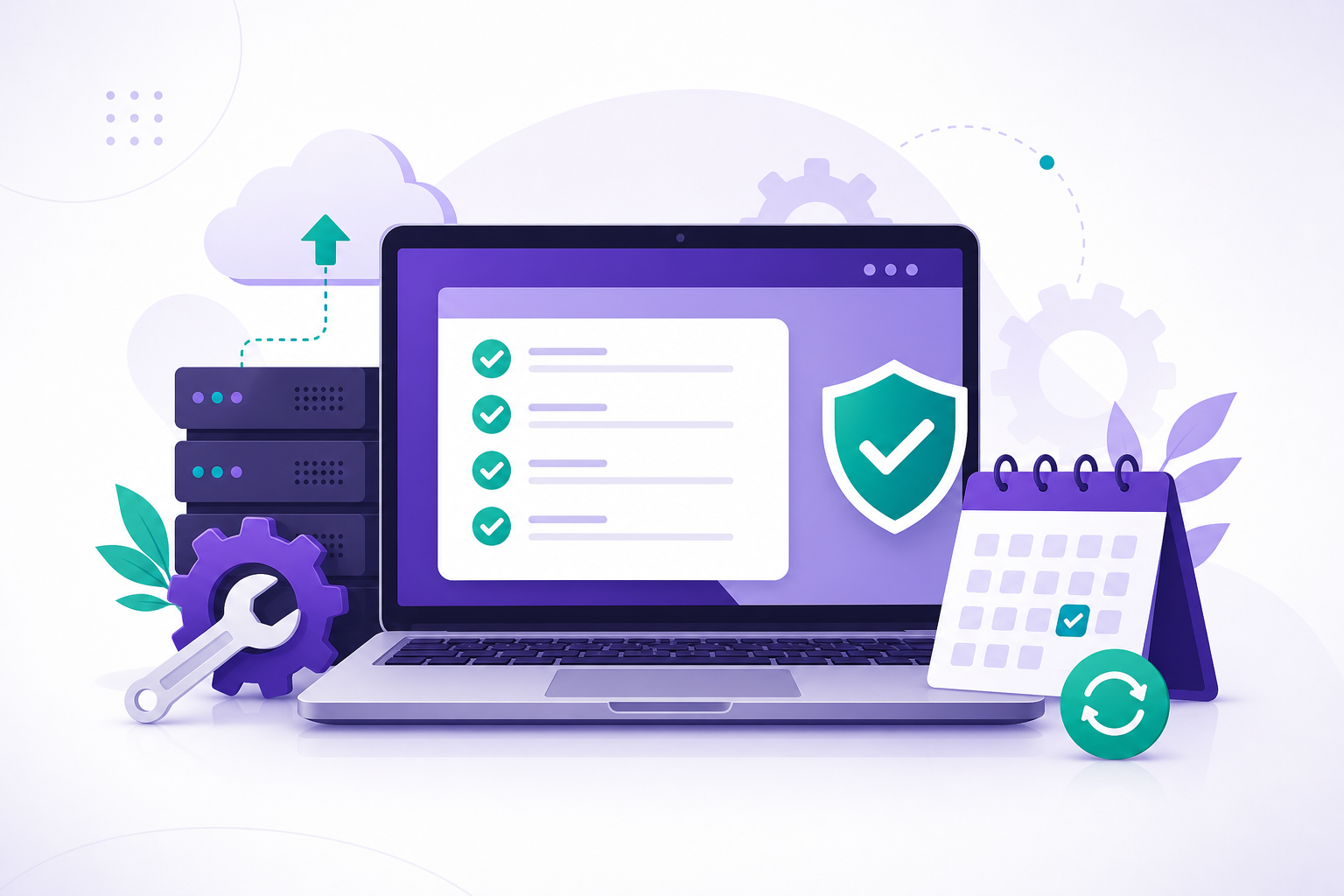
Bahut owners sochte hain: “Design ready, site live — ab kaam khatam.” Reality yeh hai ki launch starting point hai, finish line nahi. Bina backup, SSL monitoring, aur planned updates ke site downtime, hack, ya Google warning mein phas sakti hai — aur tab cost + trust dono hurt hote hain.
Is guide mein clear tarike se samjhenge ki AMC / maintenance kya cover karti hai, kyun long-term client relationship ke liye trust banati hai, aur backup, SSL, updates, hack recovery jaise pillars ko kaise seriously lena chahiye. Agar aap pehle security basics dekhna chahte hain to hamara website security 10 steps wala article useful hoga; nayi site planning ke liye Varanasi business website guide padh sakte ho.
AMC (Annual Maintenance Contract) hota kya hai?
AMC ek agreement hai jisme developer ya agency fixed scope mein ongoing kaam karti hai — jaise monthly backups verify karna, CMS/plugins update karna (staging par test karke), SSL expiry track karna, chhoti bugs fix karna, aur monitoring alerts par respond karna. Goal simple hai: aapki site predictable, secure aur available rahe, taaki aap business par focus kar sako.
- Reactive support: “Site slow hai” / “form kaam nahi kar raha” — ticket-style fix.
- Proactive care: updates, backup tests, disk/SSL expiry — problem hone se pehle action.
- Clear limits: naya feature ≠ maintenance; wo alag estimate hota hai — transparency trust banati hai.
Launch ke baad kyun ignore karna risky hai?
Internet par bots continuously scan karti hain outdated CMS, weak plugins, aur expired certificates dhundhne ke liye. Ek baar malware lag jaye to Google Safe Browsing warning, SEO drop, ya customer data risk sab ek saath aa sakta hai. Maintenance sirf “technical luxury” nahi — business continuity ka hissa hai.
1. Backup: aapki safety net
Automated backup lena aur sirf hosting panel par bharosa na karna — monthly restore test best practice hai. Backup ideally off-site hona chahiye (alag cloud ya bucket), taaki server compromise hone par bhi copy safe ho.
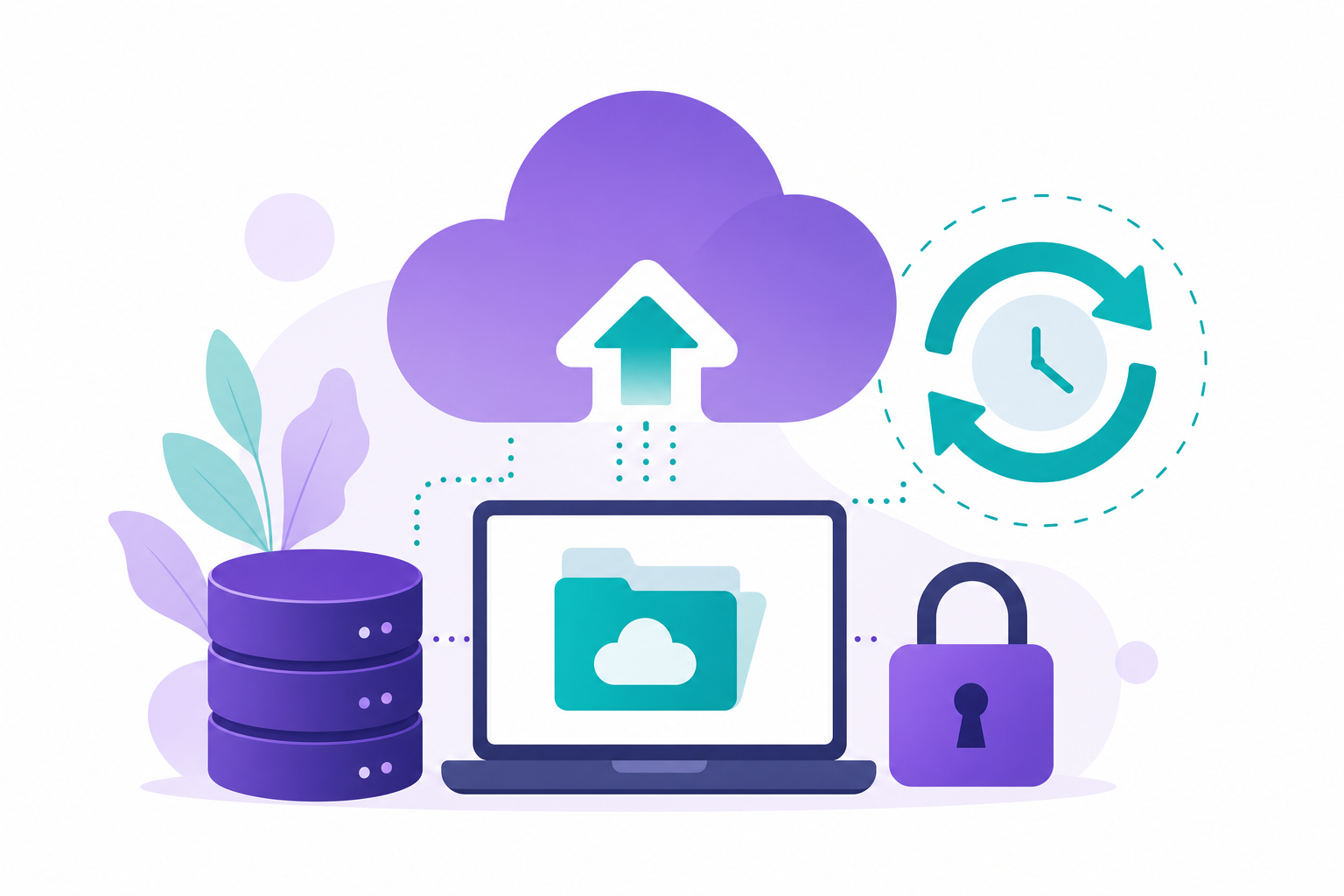
Practical checklist:
- Database + files dono include hon.
- Retention policy clear ho (kitne din purana snapshot rakhenge).
- Team ko pata ho restore kaise trigger hota hai — emergency mein guessing costly hai.
2. SSL / HTTPS monitoring
SSL kabhi kabhi auto-renew fail ho jata hai — DNS misconfiguration, mixed content, ya expired billing se. AMC flow mein certificate expiry alerts aur occasional HTTPS crawl check site ko “Not Secure” warning se bachte hain — especially lead forms aur WhatsApp buttons par trust ke liye zaroori.
3. Updates: CMS, plugins, dependencies
Har update security patch ho sakta hai. Lekin blind production deploy risky hai — staging → test → deploy aur deploy se pehle fresh backup sensible pipeline hai. Custom Laravel / PHP apps mein composer/npm/security advisories ko track karna bhi maintenance ka part hai.
4. Monitoring & uptime
Uptime monitor + basic error logs se pata chal jata hai site kab down hai ya form silent fail ho raha hai. Varanasi ki local shops / clinics ke liye bhi peak hour downtime seedha enquiry loss hai — early alert se developer fix turant kar sakta hai.
5. Hack recovery: calm checklist
Incident par panic normal hai, lekin order important hai:
- Site ko limit karo (maintenance mode / IP allowlist jahan possible ho).
- Pehle identify karo last known clean backup.
- Malware scan + compromised files compare karo; sab passwords & keys rotate karo.
- Patched codebase restore / deploy; phir Google Search Console security report check.
- Root cause note karo — same hole dobara na khule.
Ye steps security hygiene ke saath mil kar zyada effective hote hain.
AMC se long-term trust kaise banta hai?
Jab client ko pata hota hai ki unka digital asset kisi accountable partner ke radar par hai — response time define hai, backups test ho rahe hain, aur updates random nahi staged hain — relationship vendor se partner jaisi ho jati hai. Aise mein upgrade, naya portal, ya app phase-2 organically same team se plan karna easy hota hai.
Varanasi & small business angle
Local businesses ke paas aksar dedicated IT team nahi hoti. Ek structured AMC unhe bade shock (data loss, week-long hack cleanup) se bachata hai. Cost usually emergency rescue se kaafi kam hota hai — isliye sensible owners launch ke saath hi 6–12 month maintenance plan discuss karte hain.
FAQ
- Website launch ke baad AMC kya hota hai?
Agreed ongoing care: backups, updates, SSL/monitoring, aur defined support — taaki live site stable aur secure rahe. - Backup website ke liye kyun zaroori hai?
Restore ke liye clean copy chahiye; bina backup recovery slow, costly, ya incomplete ho sakti hai. - SSL expire ho jaye to kya hota hai?
Browser warnings, trust loss, aur forms/payments par negative impact — monitoring se avoid kiya ja sakta hai. - Kya sirf WordPress sites ko maintenance chahiye?
Nahi — har stack par updates, hosting compatibility, aur security relevant hai. - Hack recovery pehla step?
Isolate, clean backup dhundho, credentials rotate, scan + patch, phir restore/monitor.
Conclusion
Successful website = launch + continuous care. Backup, SSL, updates, monitoring, aur clear incident process — ye sab AMC mindset ke bina adhure hain. Agar aap Varanasi ya India se maintained, fast, SEO-aware site chahte ho, to contact par brief bhejo ya WhatsApp par AMC discuss karein — hum scope, response time, aur reporting clearly define karke long-term partnership prefer karte hain.