Coaching Institute Website in Varanasi (2026)
Courses, demo class, faculty and Maps on the public site — CRM only when attendance and fees outgrow the register.

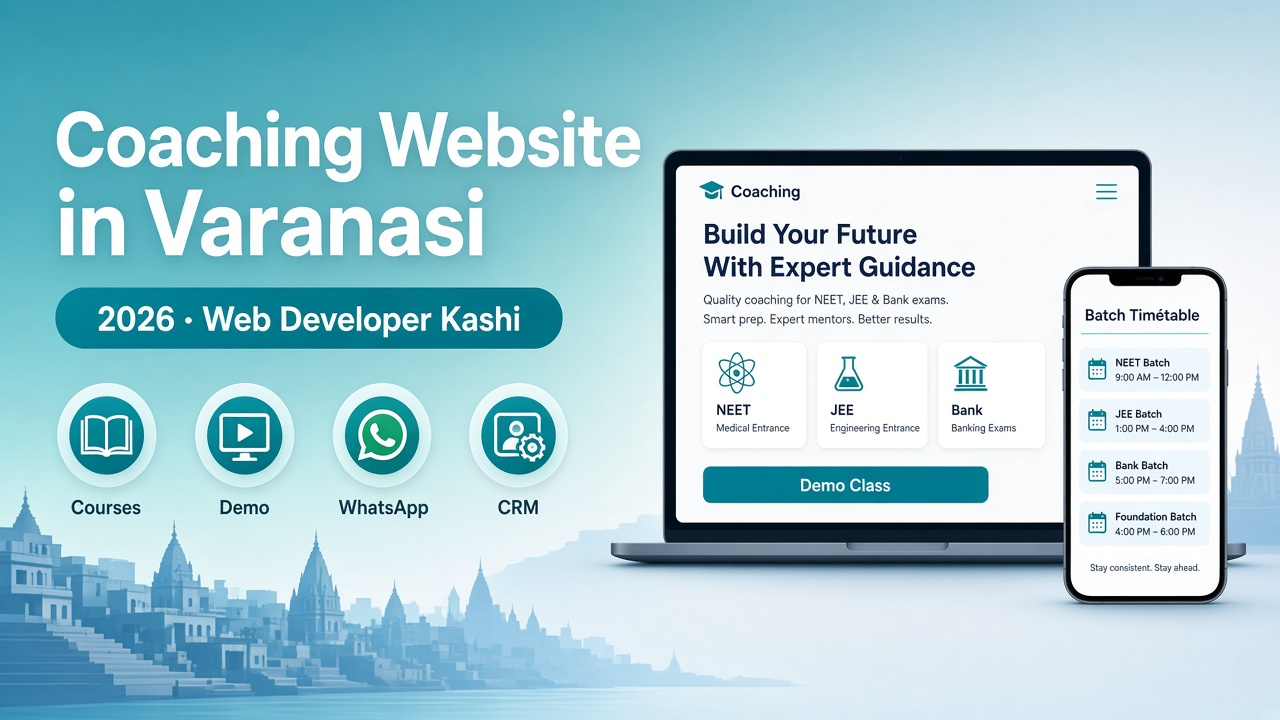
Varanasi mein coaching ka pehla sawal Google par aata hai: course, area, aur demo class. Coaching institute website wahi jawab deti hai jo parent WhatsApp group join karne se pehle padhna chahta hai. Group un students ke liye hai jo already aapke batch mein hain. Naya admission website, Maps aur call se aata hai.
Yeh guide Web Developer Kashi (Sigra) se hai. School site alag brief hai: school website. Fees, attendance aur exam software alag guide hai: school and coaching software. Is post ka kaam public website hai, aur yeh clear karna hai ki CRM kab lagana hai.
1. Website, WhatsApp group, aur CRM — teen alag kaam
| Tool | Kaun use karta hai | Kya karta hai |
|---|---|---|
| Website | Naya parent, Google, Maps | Courses, timings, faculty, address, demo-class form |
| WhatsApp group | Joined students | Homework, class change, notes |
| CRM | Owner aur office staff | Student list, attendance, fees, reminders |
Sirf group se “coaching near BHU” rank nahi hota. Sirf CRM se naya parent aapko dhoondhta nahi. Pehle website, phir operations ka system.
2. Parent actually kya search karta hai
Log institute ka brand tab search karte hain jab naam pehle se suna ho. Naya centre in searches se milta hai:
- Exam + city: NEET coaching Varanasi, JEE coaching, bank exam, SSC, spoken English, class 11–12 tuition.
- Exam + area, sirf jahan centre hai: Lanka, BHU, Sigra, Assi, Cantt. Jo colony aapki nahi, uska page mat banao.
- Intent: “demo class”, “fee structure”, “batch timing”, “faculty”.
Ek homepage par har exam ka naam daal dena ranking nahi hai. Jis course ki batch chal rahi ho, uski apni page honi chahiye: duration, who teaches, weekly timing, aur demo class ka button. Baaki courses “coming soon” se page mat bharo.
3. Public website par kya hona chahiye
- Home: ek line mein kaun si exams, kaun sa area, primary button “Book a demo class”.
- Course pages: NEET, JEE, foundation, bank — alag URL, alag timing. Copy-paste mat karo.
- Faculty: real names aur subjects. Stock photos of “toppers” nahi.
- Demo class: short form (student name, class, course, phone) ya WhatsApp enquiry with pre-filled course name.
- Centre: address, landmark, map, Call. Name, address, phone Google Business Profile jaisa same.
- Results: sirf woh students jin ki permission aur score proof ho. Warna section hata do.
Mobile pe demo button thumb ke paas ho. Parent scooter par Maps se aaya hai; woh PDF brochure download nahi karega. Pehle 10 enquiries ka pattern: enquiry guide.
4. Demo class page enquiry close karti hai
Coaching website ka conversion “Read more” nahi hai. Conversion demo class, call, ya WhatsApp hai. Form mein paanch fields kaafi hain: student name, class, course, phone, preferred time. Fee poori site par tab likho jab woh public honi chahiye. Hidden discount chat par alag, page par alag — yeh trust todta hai.
Office hours ke bahar form save hona chahiye. Subah staff ko list mile: course, time, phone. Sticky Call / WhatsApp us list ka replacement nahi; dono saath chal sakte hain.
5. Local SEO: ek centre, sachcha area
“Coaching institute website Varanasi” tab kaam karti hai jab Google ko ek business dikhe. Same name, same phone, same address — site aur Maps. Do centres hain to do addresses likho, ek page par mix mat karo. Area stuffing (Lanka + Sigra + Assi + 15 colonies on one footer) page ko kamzor karti hai. Detail: local SEO for Varanasi.
Hindi + English dono useful hain jab parents Hindi mein poochte hain aur students English course names search karte hain. Do alag thin copies mat chhapo. Ek page par headings clear hon, course ke Hindi naam aur exam ka English naam saath.
6. Jo publish nahi karna
- Fake AIR, fake selection lists, doosre institute ke students.
- “Guaranteed rank” ya “100% selection”.
- Har mohalle ka alag doorway page jahan aapka centre nahi hai.
- Faculty ki photo bina permission, ya internet se utha hua “IIT teacher”.
- Fee jo reception par alag hai aur website par alag.
7. CRM kab chahiye — website ke baad
Jab batches chhote hain, register aur ek WhatsApp group chal jata hai. CRM tab useful hai jab yeh roz ka kaam ban jaaye: kaun aaya, kis ki fee pending hai, kis parent ko absentee message gaya. CoachingCRM isi operations ke liye hai: students aur batches, attendance, fees aur receipts, reports, aur WhatsApp messages for absentees, fee reminders aur announcements. Public course pages us product ka kaam nahi hain.
Agar aapko board-school style exams, report cards, ya multi-branch rules chahiye jo ek ready product mein nahi hain, woh custom software brief hai — schools and coaching software guide. Website quote aur CRM quote ek hi line mein mat mix karo. Pehle batao: naya admission chahiye, ya jo students hain unka fee-attendance system.
8. App tab, jab student roz login kare
Play Store app tab justify hoti hai jab student notes, test score, ya fee receipt phone par dekhe aur wapas aaye. Sirf brochure ke liye app mat banwao. Website pehle. App ka process: mobile apps aur first Android app.
9. Build se pehle yeh list bhejo
- Courses jo is session chal rahe hain, timing ke saath.
- Ek centre ya zyada, exact address.
- Demo class: form, WhatsApp, ya dono. Kaun reply karega.
- Faculty names jo public ho sakte hain.
- Results: proof hai ya section skip.
- CRM chahiye ya abhi sirf website. Fee register paper par hai ya Excel.
Timeline aur quote us list ke baad banti hai. Process: price and process.
FAQs
Coaching website, demo class, and when a CRM belongs in the brief.

WhatsApp, email or a call — pick what is easy.
Conclusion
Coaching institute ki website naye parent ko course aur demo class tak laati hai. WhatsApp group class chalata hai. CRM tab aata hai jab attendance aur fees register se bahar nikalne lagen. Teeno ko ek “app” mat bolo. Varanasi mein centre hai to contact ya WhatsApp par likho: kaun se courses, kitne centres, aur fee register abhi kahan hai.
“Google course dhundhta hai. Website demo class deti hai. CRM fee aur attendance sambhalti hai.”