Mobile App vs Website vs PWA: How to Choose (Varanasi 2026)

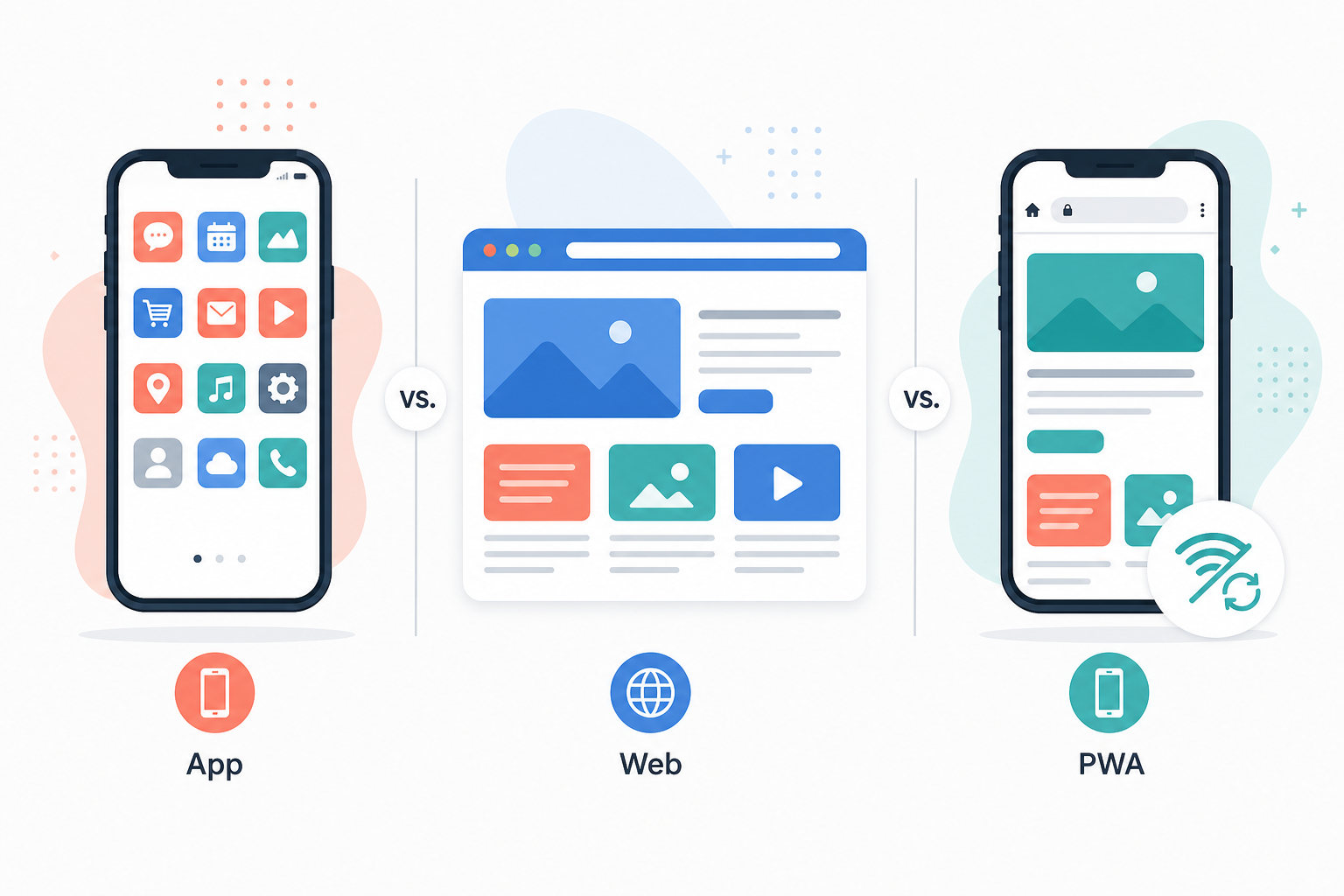
Most teams hear “we need an app” before they clarify the job to be done. In practice you are choosing between three buckets: a responsive website (URLs on the open web), a native or cross‑platform mobile app (installed from a store), or a PWA — a website that can feel app‑like when built correctly. This guide maps each option to real business outcomes so you do not over‑build or under‑serve users.
Definitions in one minute
- Website: HTML pages in the browser — best for SEO, sharing links, and low friction (“click and use”). Works on every device with a browser.
- Native / cross‑platform app: packaged software (Swift/Kotlin or Flutter/React Native, etc.) distributed via Play Store / App Store — best for device APIs, offline flows, and habitual use.
- PWA: web stack + service worker + manifest — installable shortcut, faster repeat loads, smarter caching; still one codebase deployed like a site.
When a responsive website is enough
- Lead generation, brochures, menus, portfolios, and content that must rank on Google.
- Admin teams update copy or products often — you want instant deployment without store review cycles.
- Budget is tight and you need one responsive surface for desktop and mobile.
Pair this with solid performance and structured data (see our AI & answer‑engine SEO checklist). For broader strategy, read website development for Varanasi businesses.
When a native / mobile app wins
- Daily operational tools: POS, field staff, delivery runners, attendance — examples like our Flutter + Firebase food billing POS.
- Hardware & OS integration: Bluetooth printers, barcode scanners, background location (where policy allows), rich local notifications.
- Offline‑first: transactions must queue when connectivity drops and sync later.
- Brand loyalty: users who already trust you will install; discovery still often starts on the web.
When a PWA is the sweet spot
- You want “install on home screen” and faster repeat visits without maintaining two native codebases.
- Your audience finds you via links (WhatsApp, QR, ads) and you still want reasonable offline resilience for key screens.
- Push notifications are nice‑to‑have but store listing friction is not worth it yet.
PWAs are not magic — limits exist around deep OS integrations compared with native. Treat them as a disciplined web project, not a checkbox.
Cost and maintenance (high level)
- Website: typically lowest recurring cost; hosting + SSL + updates.
- PWA: similar ops to a website, plus careful caching/versioning discipline.
- Native app: store fees, compliance screenshots, OS upgrades, and parallel Android/iOS testing — budget ongoing releases.
Decision cheat sheet
Start with web unless you have a clear offline/hardware/stores story. Add PWA when repeat engagement justifies install UX. Go native when the product is the phone itself — billing, logistics, loyalty with deep device needs.
FAQs
- Can we launch web first and add an app later?
Yes — define APIs or a shared backend early so mobile is an additional client, not a rewrite. - Does every ecommerce brand need an app?
No — many succeed with fast mobile web or PWA; apps help retention for repeat buyers. - Flutter vs separate Android and iOS?
Cross‑platform reduces duplicate UI work; native still wins for niche platform‑only features. - Want a recommendation for your case?
Contact or WhatsApp — we map scope before suggesting tech.
Conclusion
The web is for discovery and reach. PWAs bridge web and app UX. Native apps earn their cost when the phone is your primary workspace. Pick the smallest option that satisfies your workflow — then expand.
Explore website development and mobile application services — or compare platforms in our Shopify vs custom website guide if ecommerce is part of the picture.